Your account
Signing in
Trovemarks has no passwords. There are two ways in:
- A passkey: Face ID, Touch ID, Windows Hello, Android’s screen lock, or a security key. It’s one tap, and it can’t be phished. Choose Sign in with a passkey.
- An email link: type your email and choose Email me a sign-in link. The link works once, for 15 minutes, on any device.
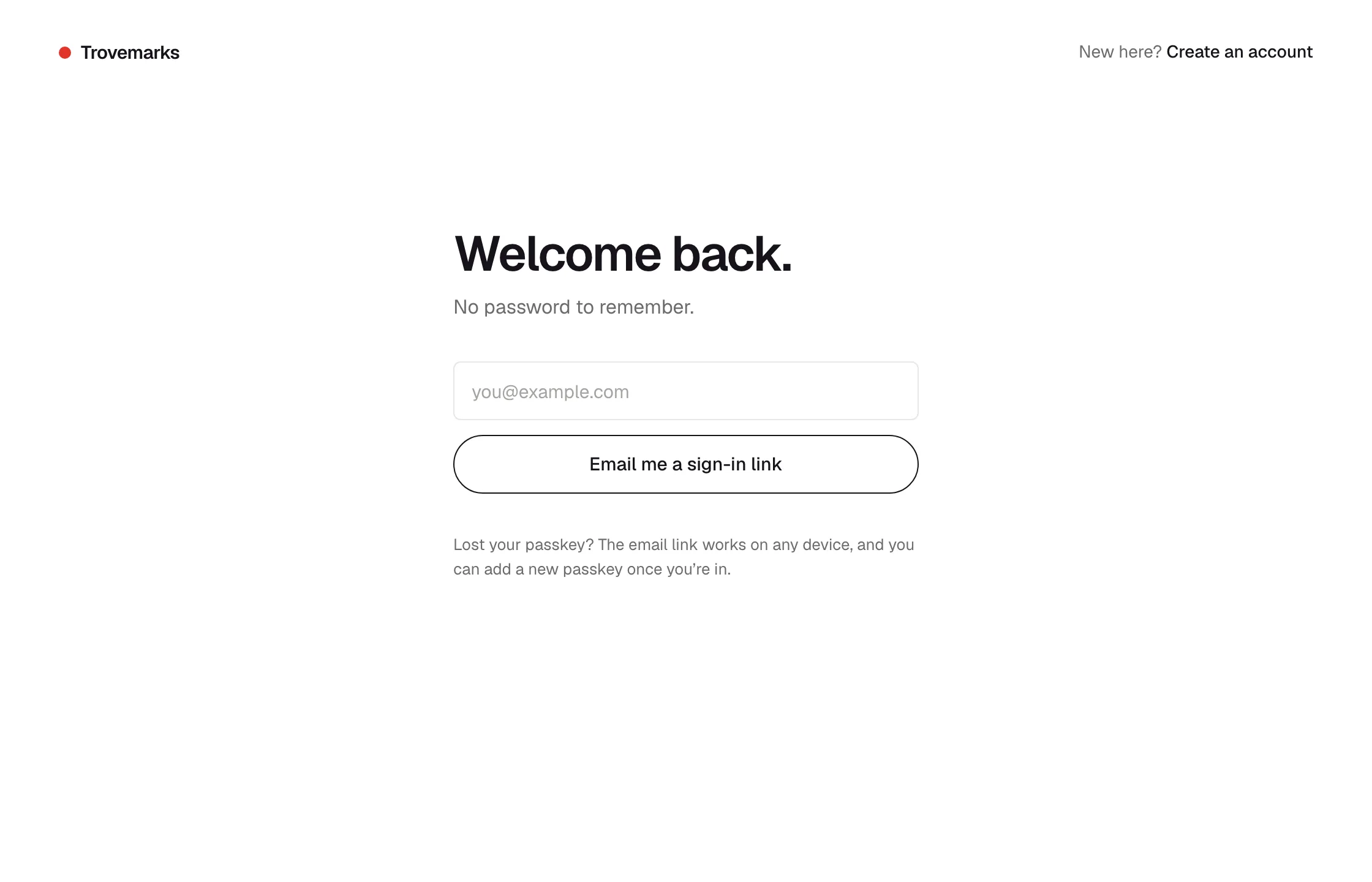
Add passkeys under Settings → Account → Passkeys, one for each device you use, and name them so you can tell them apart. Remove one if you lose the device. If you lose every passkey, sign in with an email link and add a new one.
You stay signed in for 30 days after your last visit.
Your profile
Under Settings → Profile:
- Name, bio and website show on your public profile.
- Avatar: click or drop an image on it. Fill crops a photo to the square; Fit shows a whole logo on white. Use my face goes back to the face drawn from your username.
- New links are: private or public, the account-wide default for new links. Sources and collections can override it.
Your username is part of every public address you have, so it can’t be changed in the app.
Settings → Account
| Setting | What it does |
|---|---|
| Appearance | System, Light or Dark. |
| Copies of pages | What to keep when you save: just the link, the text, or the full page (Pro). See Copies. |
| Change your email. A link goes to the new address, and it changes when you open it. | |
| Passkeys | Add, rename and remove passkeys. |
| Digest | Weekly, daily or off. See email digests. |
| Blocked people | Everyone you’ve blocked, to unblock them. |
| Sessions | Sign out here, or Sign out everywhere, which signs out every browser at once. Connected extensions, apps and API keys keep working; disconnect those in Settings → Sources. |
Emails we send
- Sign-in links, and confirmations when you change your email.
- Your digest, if it’s on.
- Notice of important changes to the terms or the privacy policy.
Deleting your account
Settings → Account → Delete account, then type your username to confirm.
Your account disappears straight away: you’re signed out everywhere, every key stops working, and your profile, collections and links are hidden from everyone. We keep it for 30 days in case it was a mistake, then erase it with everything it owns. Export your links first if you want to keep them.
If you’re on Pro, cancel it in Settings → Plan → Manage billing first.