GitHub stars
Connect GitHub and every repository you star is saved to Trovemarks, dated when you starred it. It keeps going: new stars arrive within a few hours.
Connecting
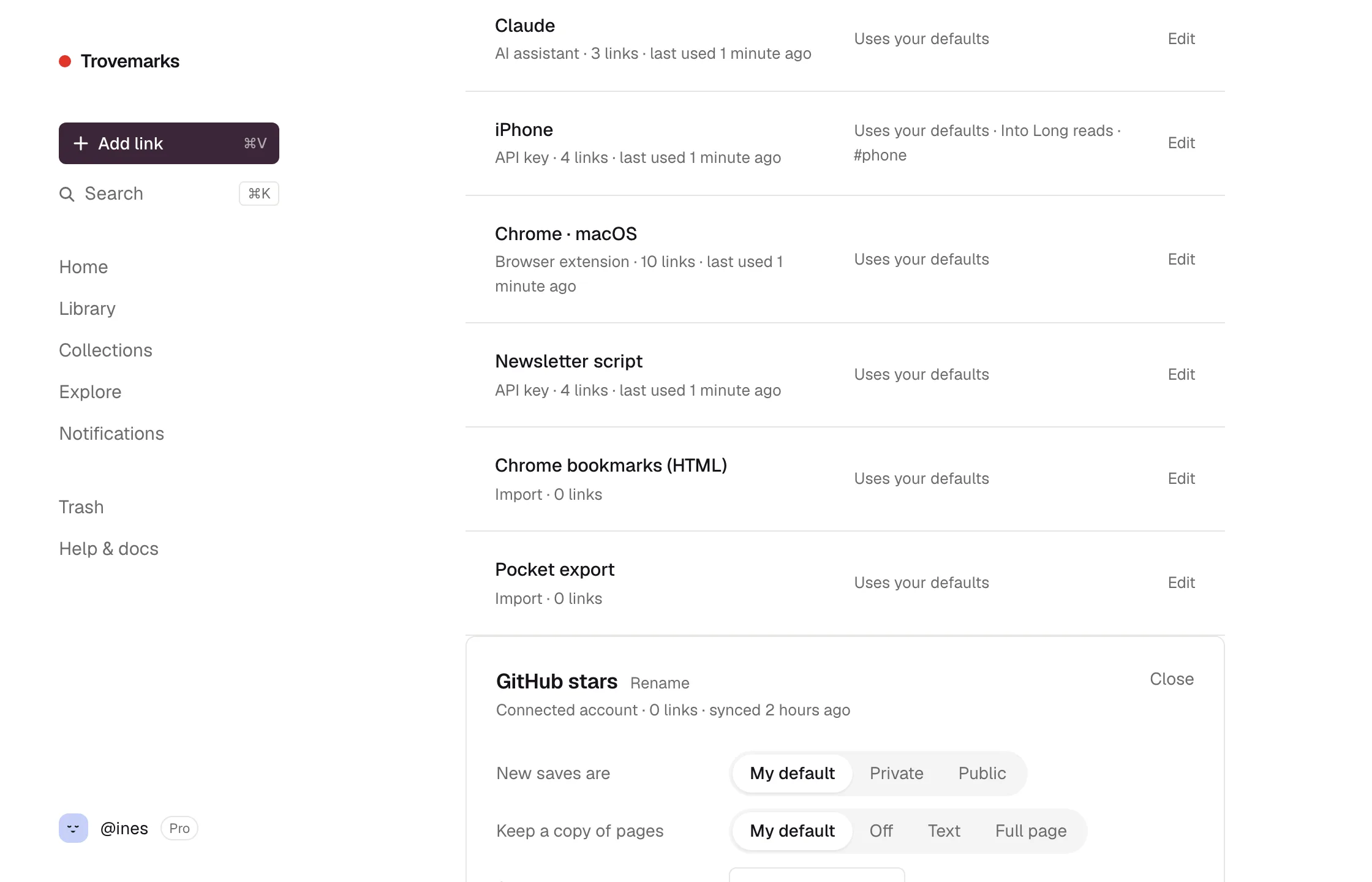
- Go to Settings → Sources and choose + GitHub stars.
- GitHub asks you to authorise Trovemarks. It asks for no permissions: Trovemarks can only read your public stars, the same as anyone visiting your GitHub profile.
- You’re back in Sources, with GitHub stars listed. Your existing stars (up to 5,000) are on their way.
How stars are saved
- Each star becomes a link to the repository, titled
owner/name, with the repository’s description. - It’s dated when you starred it, so your library stays in order.
- It follows the source’s defaults. Give GitHub stars a collection (like Tools) or a tag (like
github) in Settings → Sources, so stars don’t mix with everything else. - Unstarring a repository doesn’t delete the link.
Disconnecting
Open GitHub stars in Settings → Sources and choose Disconnect. Trovemarks deletes its GitHub token straight away. Links already saved stay. You can also revoke access from GitHub’s Settings → Applications.