Sharing
Everything in Trovemarks is private until you make it public. When you do, it gets a page anyone can visit, without an account.
What’s public
Only these are ever shown to other people:
- Your profile: your name, username, bio, website, avatar and public collections.
- Public collections, and only the public links in them.
- Public links: the address, title, description, image and your note. Each has its own page.
- Your comments on public links.
Never shown, even on public links: your tags, your saved copies, which source saved a link, and anything private. Private links don’t appear in counts either, so nobody can tell a collection has hidden links in it.
Your profile
Your profile is at trovemarks.com/username. Edit it under Settings → Profile: name, bio, website and avatar. It lists your public collections; if you have none, it says so.
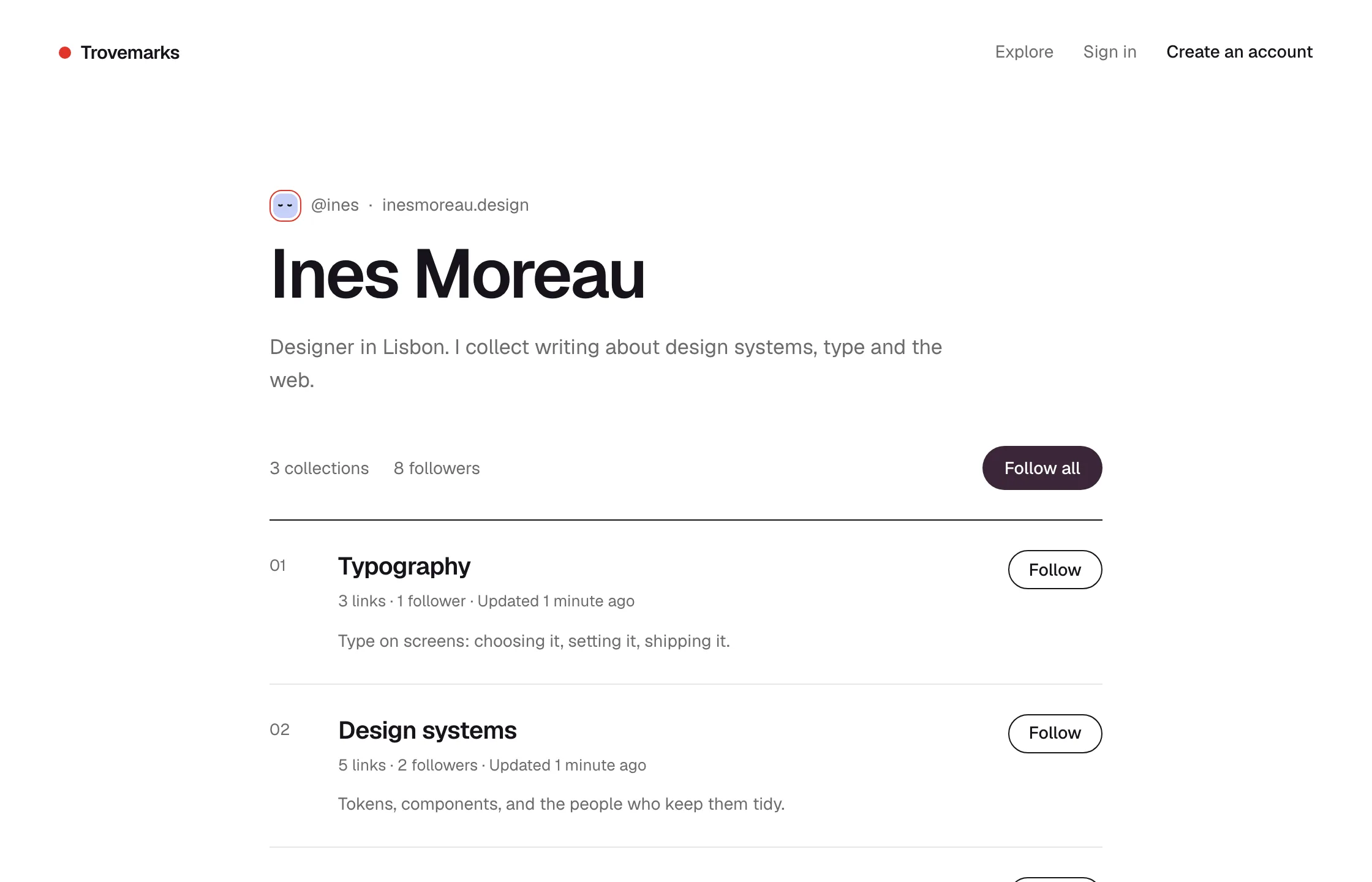
Your avatar is a little face drawn from your username until you upload a picture. Upload one by dropping an image on it in Settings → Profile; choose Fill for photos or Fit for logos.
Collection pages
Each public collection has a page at trovemarks.com/username/collection-name. It shows the collection’s name, description, its public links (newest first), and how many people follow it. Visitors can:
- Follow it, to see new links in their feed and digest. They’re asked to sign up first if they don’t have an account.
- Save any link to their own library, by clicking the circle beside it.
- Subscribe to its RSS feed in any feed reader, no account needed.
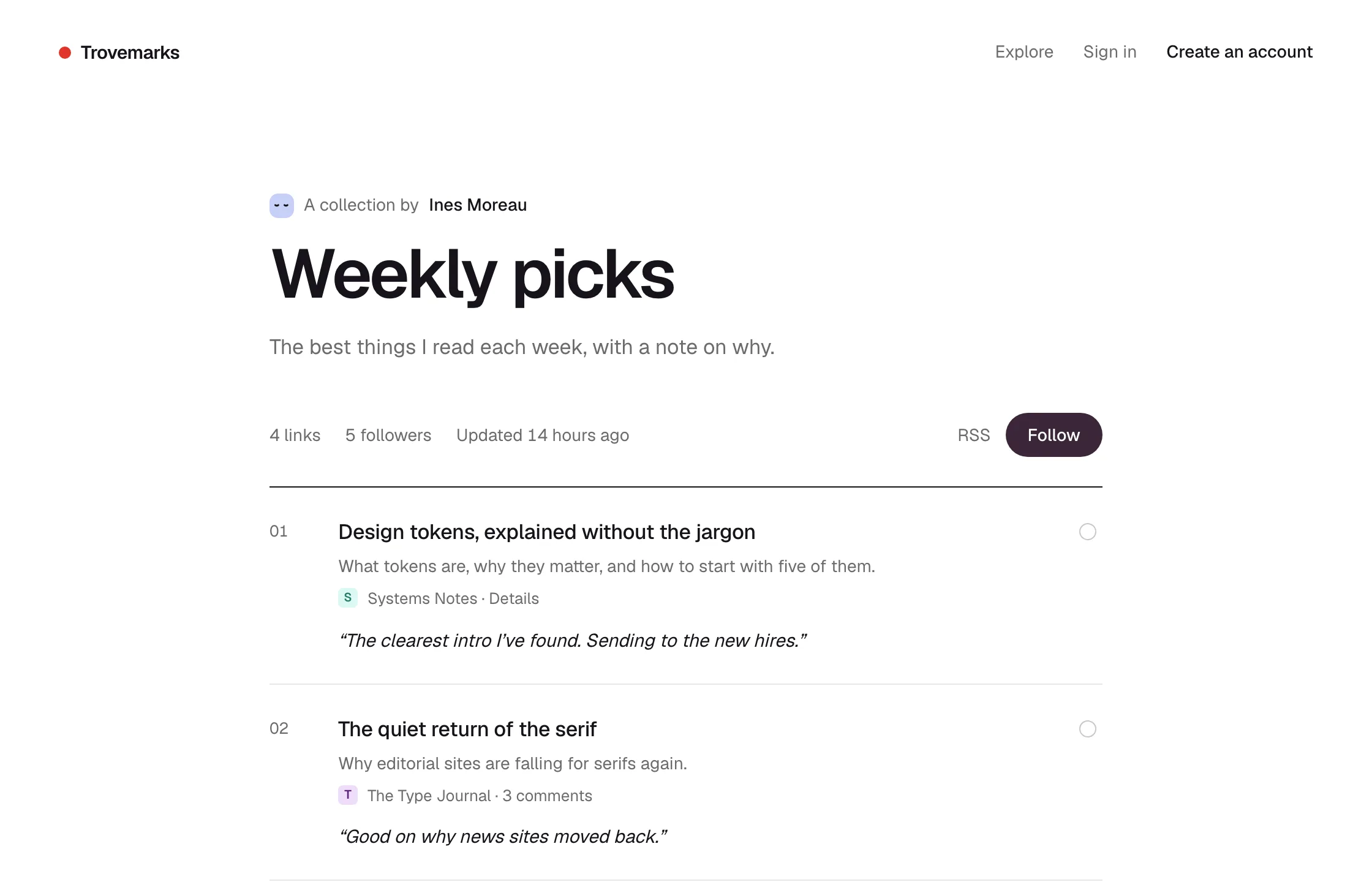
Collection pages have good link previews: paste one into Slack, iMessage or X and it shows the collection’s name and description.
RSS feeds
Every public collection has a feed at its address plus .rss:
https://trovemarks.com/username/collection-name.rss
There’s an RSS link on the collection’s page. The feed has the collection’s newest public links, with your notes. It’s a simple way to publish a link blog, or to pipe a collection into a newsletter tool, Slack or Zapier.
Link pages
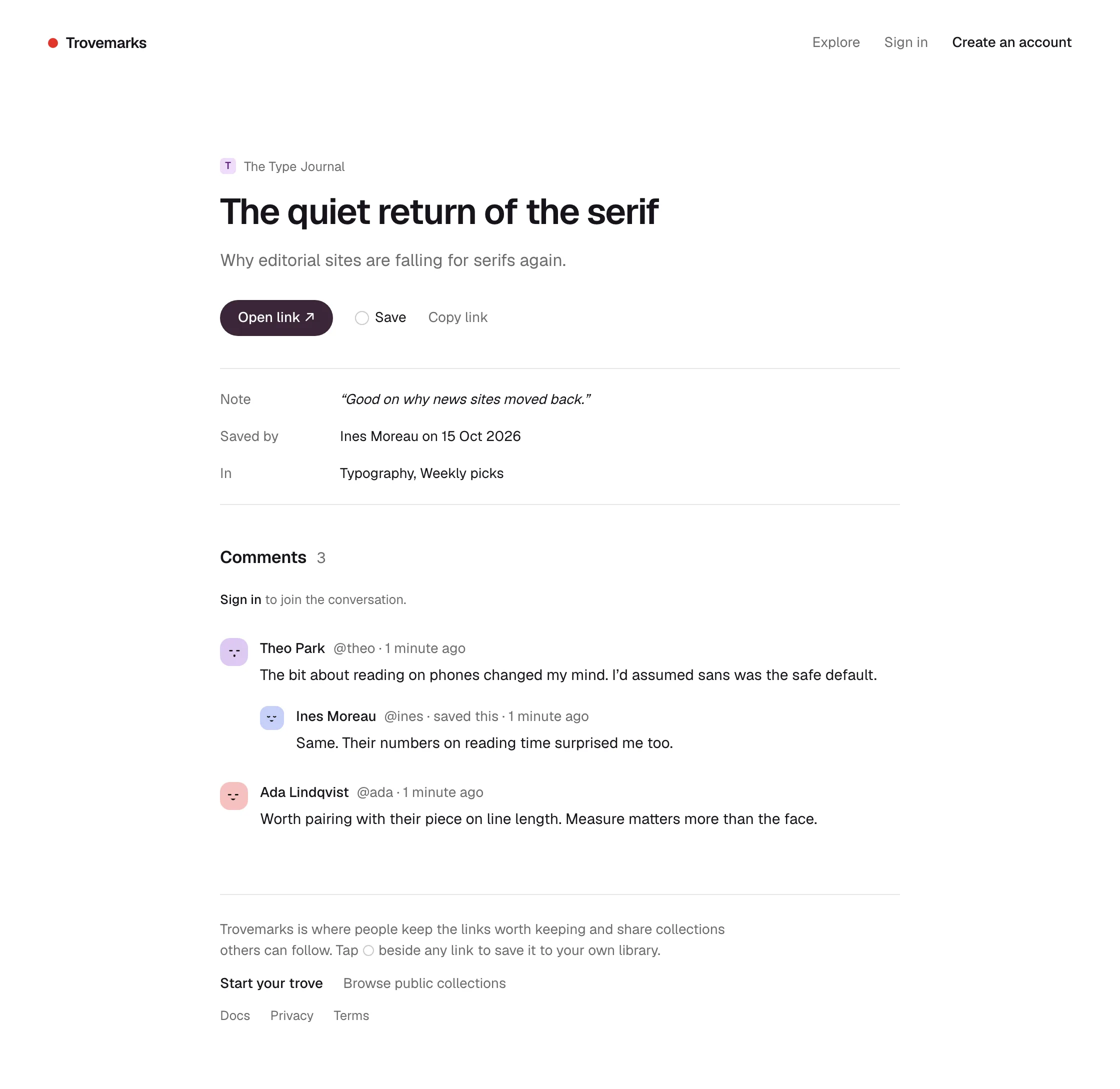
Every public link has its own page at trovemarks.com/b/…, showing its title, your note, who saved it, which of your public collections it’s in, and comments. Use Copy link on a link to share that page rather than the original.
Search engines
Public pages can be found by search engines, with one exception: new accounts aren’t indexed for their first week. Private things are never in search engines, because they’re never on a public page.
Making something private again
Make a collection or link private at any time and its page disappears straight away. Followers of a collection you make private stop seeing it, and it’s removed from their feeds. Feed readers and search engines may hold on to what they already fetched for a while, which Trovemarks can’t control.