Sources and defaults
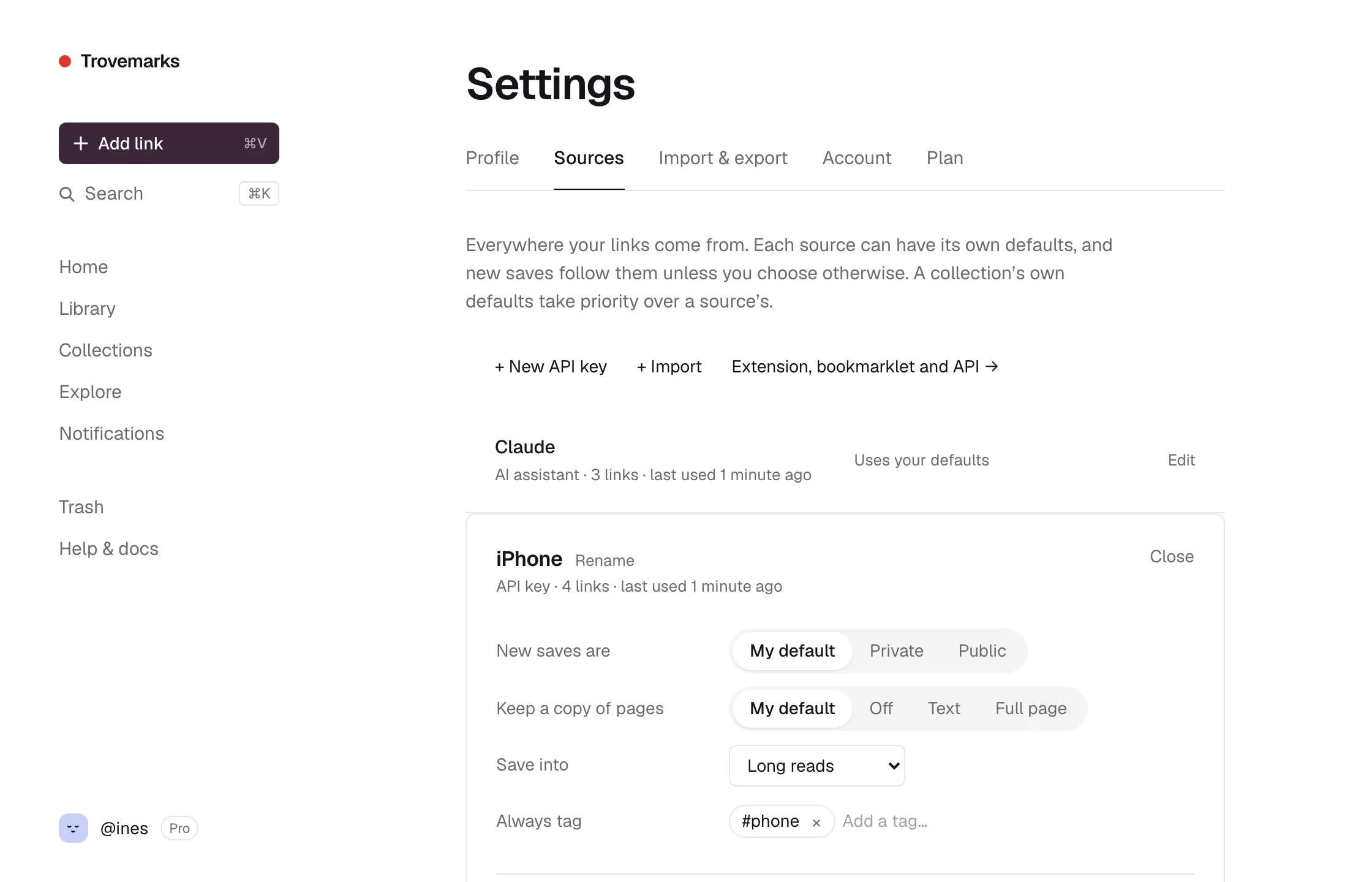
A source is one place links come from: the web app, each browser you’ve connected, your phone, each AI assistant, each API key, each import. Find them all under Settings → Sources.
What a source can decide
Open a source to set what happens to the links it saves:
| Setting | Choices |
|---|---|
| New saves are | My default, Private, or Public |
| Keep a copy of pages | My default, Off, Text, or Full page (Pro) |
| Save into | A collection every link from here goes into, or none |
| Always tag | Tags added to every link from here, like phone or from-claude |
For example: links from your phone go into To read, tagged phone; links from the API are public; links Claude saves are tagged from-claude.
What you choose while saving always wins, and a collection’s defaults come before the source’s. See which default wins.
Apply these to the existing links at the bottom of a source changes the links it already saved to match.
Pausing and disconnecting
- Pause stops a source saving, without forgetting it. Saves from it fail with a message saying it’s paused until you Resume it. Use it if a script misbehaves or a device goes missing.
- Disconnect ends a source for good: its key stops working at once, and the extension, assistant or app has to connect again. The links it saved stay.
- Rename a source to tell similar ones apart, like Chrome (work) and Chrome (home).
The web app’s own source can’t be paused. The built-in ones for the bookmarklet, address bar and share menu can be paused but not disconnected.
API keys
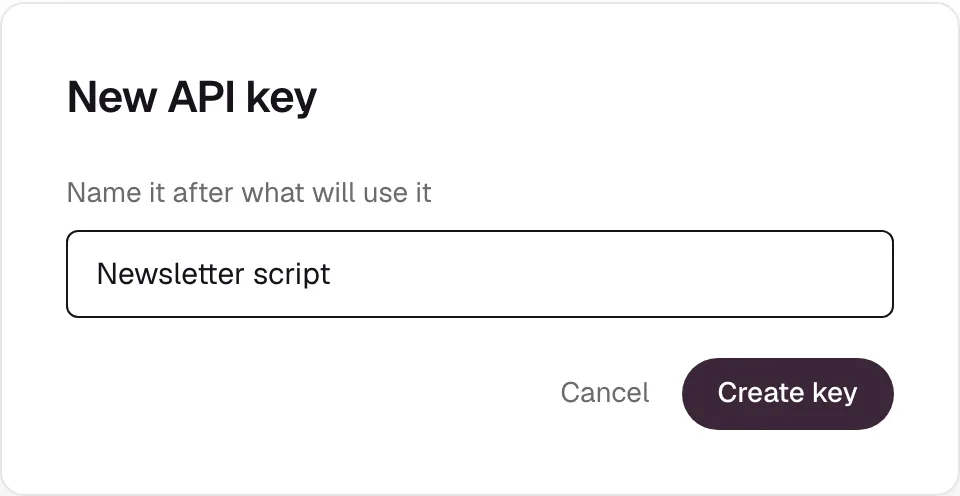
Choose + New API key, name it after what will use it, and copy the key. It’s shown once. Each key is its own source, so a script or app gets its own defaults and can be revoked alone. See the API overview.
Filtering by source
Every link remembers which source saved it. Filter your library by Source to see everything from your phone, one import, or one assistant.