Importing and exporting
Importing
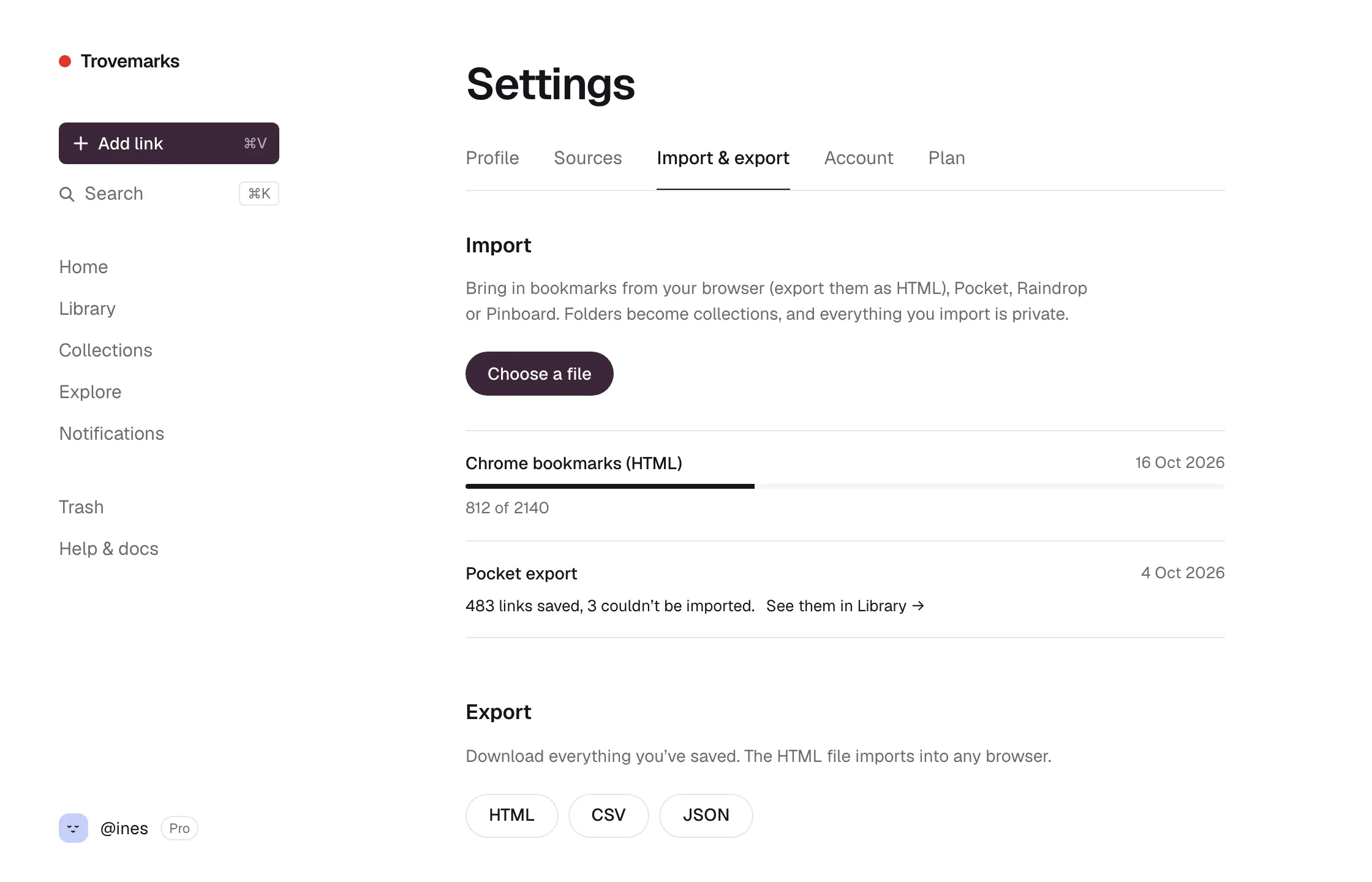
Go to Settings → Import & export and choose Choose a file. Trovemarks works out where the file came from by looking inside it.
| From | What to upload |
|---|---|
| Chrome, Edge, Brave, Arc | Open the bookmark manager (⌘+Option+B, or Ctrl+Shift+O), then ⋮ → Export bookmarks. Upload the .html file. |
| Firefox | Bookmarks → Manage bookmarks → Import and Backup → Export Bookmarks to HTML. |
| Safari | File → Export → Bookmarks. |
The .csv export you downloaded from Pocket. |
|
| Raindrop | Export your bookmarks as CSV from Raindrop’s settings. |
| Pinboard | The JSON backup from Pinboard’s settings. |
| Anything else | Most bookmarking tools can export the browser HTML format. Try that. |
What comes across:
- Folders become collections, matched by name with ones you already have. On the free plan, folders past the 10-collection limit become tags instead, so nothing is lost.
- Tags, notes and dates come across where the file has them, so old links keep their place in time.
- Everything is private, whatever it was before. Make links or collections public afterwards if you want to.
- Links you already have aren’t duplicated; new tags and collections are added to them.
Each import becomes its own source, so you can find everything from it with the library’s Source filter, or undo it by selecting those links and deleting them.
Imports run in the background, and the page shows progress. A file can hold up to 20,000 links, and you can run 5 imports a day. Links that can’t be imported (usually because the address isn’t a web page) are listed under Show problems when it’s done.
Keeping browser bookmarks in sync
An import is a one-off. To keep saving new browser bookmarks to Trovemarks as you make them, turn on bookmark sync in the browser extension.
GitHub stars
To bring in the repositories you star on GitHub, and keep them coming, connect GitHub.
Exporting
Under Settings → Import & export → Export, download everything you’ve saved:
| Format | Good for |
|---|---|
| HTML | Importing into any browser or bookmarking tool. Collections become folders. |
| CSV | Spreadsheets. One row per link, with its tags, collections, note and dates. |
| JSON | Your own scripts. Everything, with the same field names as the API. |
Exports include private links. Keep the files somewhere safe.